An outline you approve first
Every page or chapter is planned before anything is drawn or written. Reorder, rewrite or delete items, then start.
Bookhatch plans, writes and illustrates coloring books, picture books and novels, then lays them out to KDP's print rules. You get the interior PDF, a full-wrap cover and your Amazon listing.
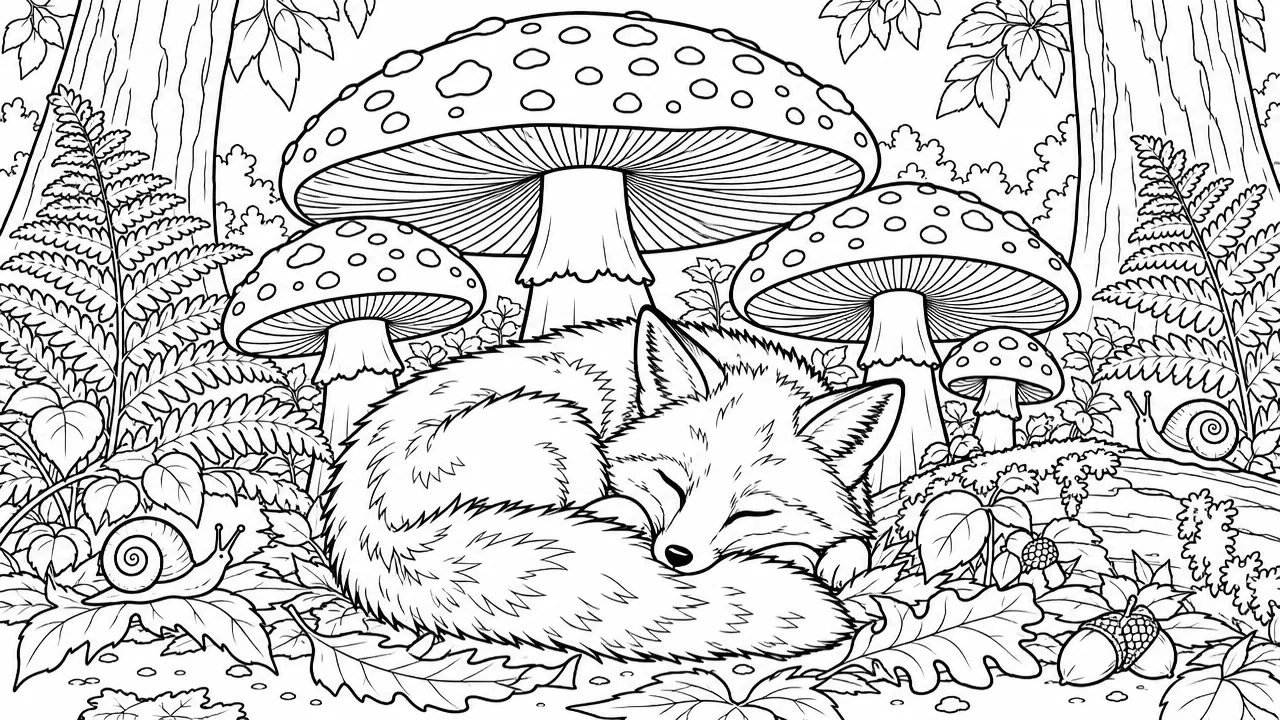 The Sleepy Fox
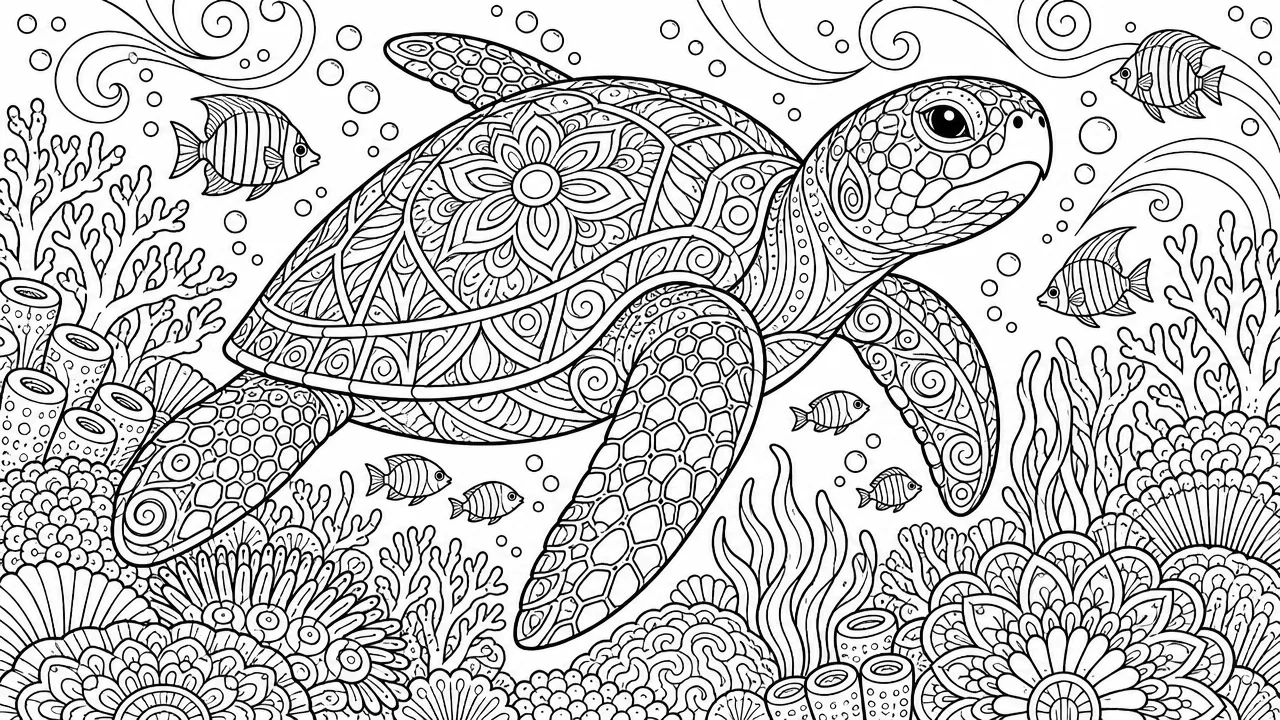
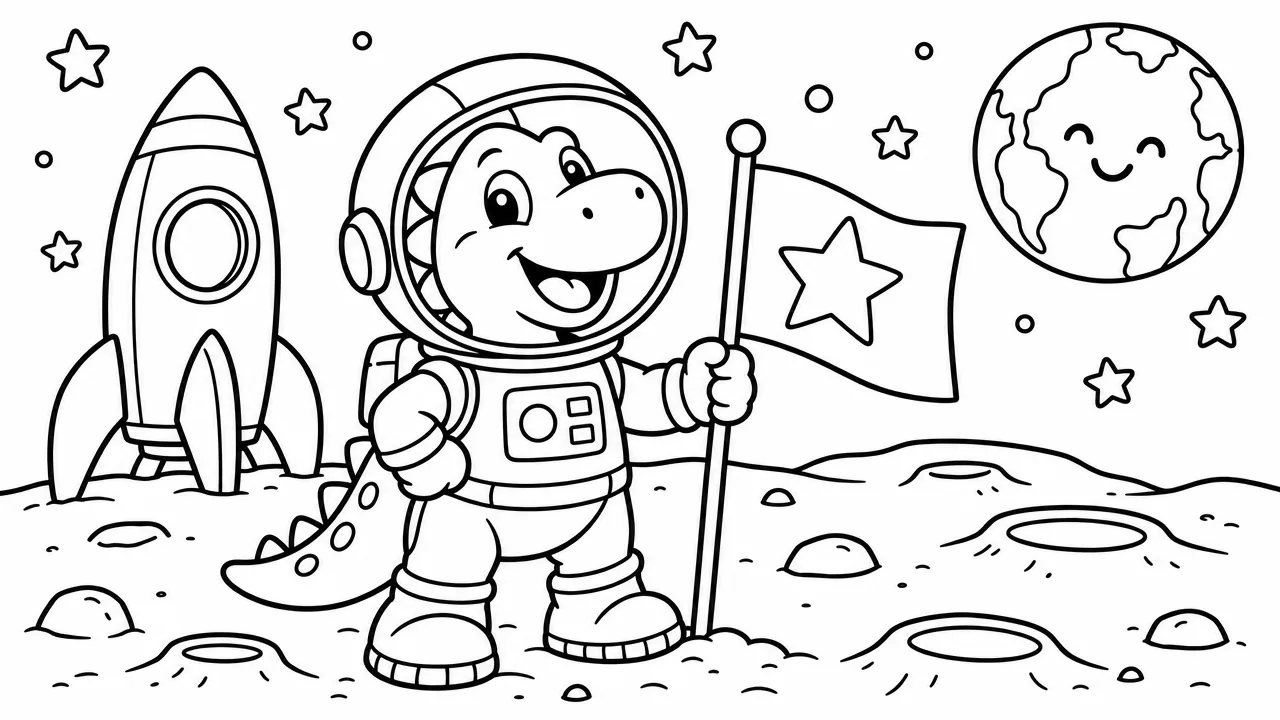

Every image below was generated in Bookhatch. Pick a style when you describe the book, and every page follows it.
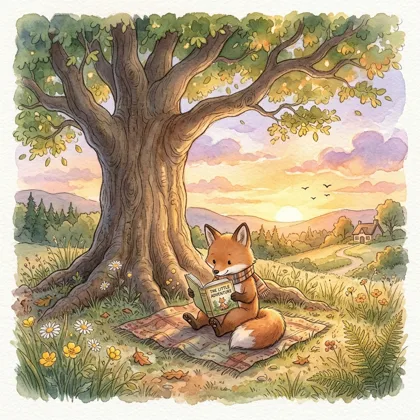
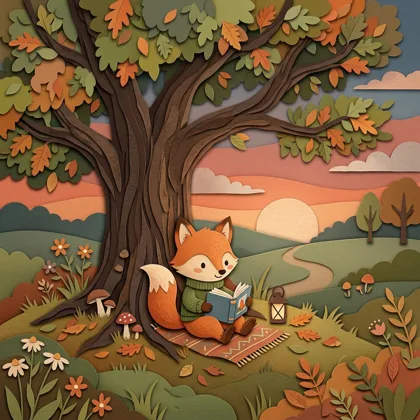
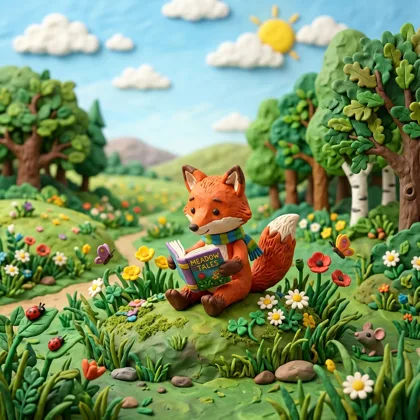
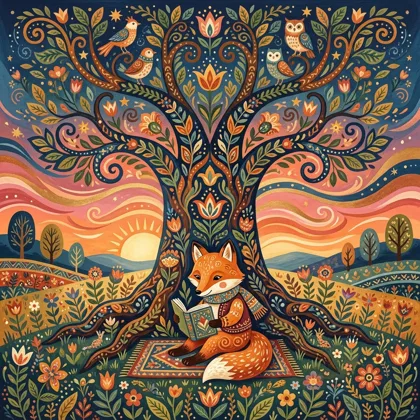
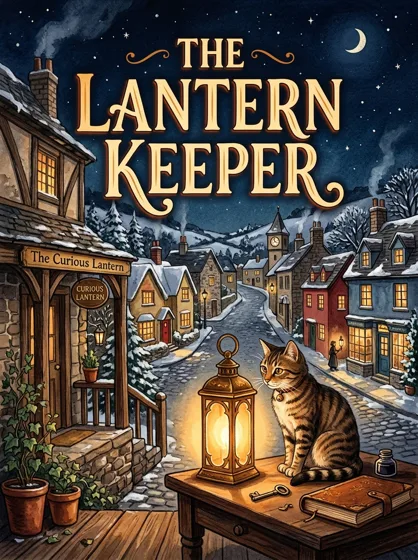
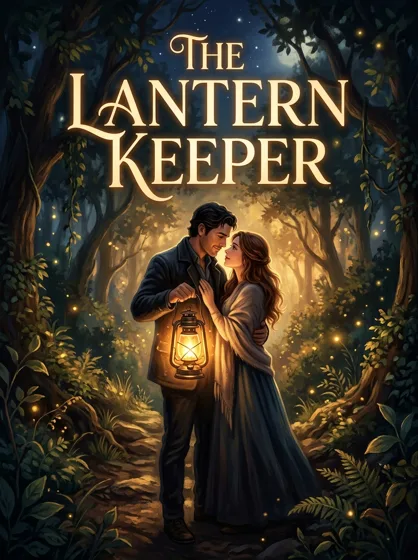
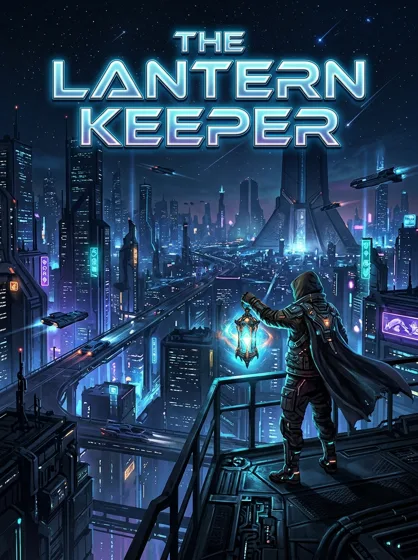
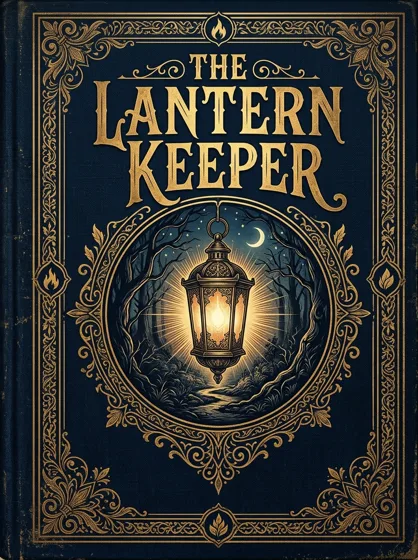
Four guided steps. You see the credit estimate before anything is made.
Write a sentence about your book. Pick coloring, activity, picture book or novel, an audience and an art style.
Bookhatch outlines every page or chapter and the characters. Reorder, rewrite or remove anything first.
Pages are written and drawn two at a time, so you can check the style early. You only pay for what's made.
Get the print interior, the full-wrap cover and your listing text, ready to upload to KDP.
Each book type starts with the page count, trim size and paper that buyers expect, so it prints the way they expect.
Clean black line art with closed shapes, one design per page and blank backs so markers don't bleed through.
Mazes and word searches on any theme, with a printed answer key at the back. Puzzle pages cost no credits.
A short story told one scene per page, with characters described once so they stay consistent.

Calm, read-aloud stories that slow down page by page, in soft pastel or paper cut-out art.
A chapter-by-chapter outline you approve, then full chapters typeset in a classic book layout with a painted cover.

Short chapters, larger type and simple sentences for new readers aged 6 to 9.
Bookhatch handles the production work of a print book, and leaves the decisions to you.
Every page or chapter is planned before anything is drawn or written. Reorder, rewrite or delete items, then start.
Characters are described once and a reference image guides every illustration, so they stay recognisable from page to page.
Twelve line-art styles for coloring books, fifteen illustration styles for picture books and twelve cover styles for fiction.
Trim size, bleed, inside margins and page count are set to KDP's paperback rules for the book type you pick.
Back, spine and front in one PDF, sized from your final page count, with bleed and the barcode area kept clear.
A title, subtitle, book description and seven keywords drafted for the audience you chose, ready to paste into KDP.
See the credit estimate before you generate. Credits for anything that is not made go back to your balance.
Mazes and word searches are built by code, each maze has one solution, and the answer key is generated with them.
Export reminds you to answer KDP's AI disclosure question, and the listing file records your trim, paper and page count.
Most Bookhatch books start with one of these goals.
Try a theme as a 12-design coloring book or a 20-puzzle activity book for a few dollars of credits, then expand the ones that sell.
Turn the bedtime story you keep telling into a printed picture book, with the child's favourite animal as the hero.
Make word searches on this term's vocabulary or a short chapter book pitched at your readers' level, with a printed answer key.
Shape a chapter outline, get a full first draft and a typeset paperback, then revise it in your own voice before you publish.
Making a KDP paperback by hand means several tools and a lot of measuring. Here is what changes.
| Task | Doing it by hand | With Bookhatch |
|---|---|---|
| Planning | An outline in a document or spreadsheet | A page-by-page or chapter outline you edit before anything is made |
| Artwork | Draw it yourself or commission an illustrator | Generated in one of 39 styles; redo any page you don't like |
| Interior layout | Set page size, margins and bleed in design software | Laid out to KDP's trim, margin and bleed rules automatically |
| Cover | Work out the spine width and build a full-wrap template | A full-wrap cover PDF sized to your final page count |
| Puzzles and answer keys | Build each puzzle and its solution by hand | Generated in code, with a numbered answer key |
| Listing | Write the description and research keywords | A drafted title, description and seven keywords to edit |
| Cost | Software, illustrator fees or many hours of your time | Credits, with the estimate shown before you start |
What stays your job: reading every page before you publish, answering KDP's AI disclosure question honestly, choosing your price and categories, and marketing the book. Bookhatch makes the files; you are the publisher.
Credits pay for writing and drawing. Layout, puzzles and KDP files are free. Unused credits from a book go straight back to you.
Every plan, including Free, has every book type, all 39 art styles and clean files you can publish. Plans differ only in how many credits you get each month.
| Example book | Credits | About |
|---|---|---|
| Coloring book, 12 designs | 287 | $1.72 |
| Activity book, 20 puzzles | 107 | $0.64 |
| Picture book, 16 pages | 558 | $3.35 |
| Novella, 10 chapters of ~2,200 words | 1,647 | $9.88 |
Free calculators that use KDP's published formulas, and plain-English guides to the rules that trip up new publishers.
Full-wrap cover size, spine width and pixels at 300 DPI, with a to-scale diagram.
Open the tool →Spine width for any page count and paper, and whether KDP allows spine text.
Open the tool →Printing cost, royalty per copy and the lowest list price for a paperback.
Open the tool →Inside and outside margins by page count, and the page size to set with bleed.
Open the tool →Niche, trim size, line art that prints cleanly, single-sided pages, the cover, pricing and the KDP listing.
Read the guide · 9 min →RulesAI-generated vs. AI-assisted, worked examples of what to declare, and how to publish an AI-made book responsibly.
Read the guide · 7 min →FormattingTrim sizes and page limits, the four ink and paper options, bleed, margins by page count, spine width and image rules.
Read the guide · 10 min →Yes, to start. A free account gets 300 credits with no card to plan and write your book, and activity and puzzle books can be finished free. Line art, illustrations and covers need a paid plan or a $10 top-up. Files are the same clean, print-ready files on every plan.
A print-ready interior PDF at your trim size, a full-wrap cover PDF (back, spine and front with bleed), and a listing file with your title, subtitle, description, seven keywords and print settings.
Yes. KDP accepts AI-generated content but asks you to say so when you publish a new book or republish an edited one. Bookhatch reminds you at export. Our AI disclosure guide explains the rule.
Yes. You can publish and sell the books you make on Amazon KDP or anywhere else, without paying Bookhatch a royalty. You are responsible for following each store's content rules.
Files follow KDP's published rules for trim size, margins, bleed and cover size. KDP still reviews every book and makes its own decision, so check your files in KDP's previewer and order a proof copy before you publish.
Coloring books, activity and puzzle books, picture books, bedtime stories, novels, novellas and short story collections, and early chapter books. Compare all book types.
It depends on length and type. A 12-design coloring book is about 287 credits and a 16-page picture book about 558. You see the exact estimate before anything is charged. See pricing.
No. Page size, margins, bleed, spine width and cover size are set from your book type and final page count. You can still change the trim size and paper before you export.
Yes. You edit the plan or outline before any pages are made, and you can rewrite text or redo individual pages afterwards. Only the pages you redo use credits.
Characters are described once in the plan and a reference image is used for every illustration, which keeps them far more consistent than one-off prompts. Review each page and redo any that drift.
Common KDP paperback sizes from 5 × 8 in to 8.5 × 11 in, on white or cream paper with black ink, or white paper with color ink. Each book type starts on the size buyers expect. See the trim size guide.
Bookhatch makes paperback print files. KDP's Kindle eBooks use different formats, so an eBook edition would need converting separately, for example with Amazon's free Kindle Create tool.
You choose an ISBN inside KDP when you publish. KDP offers a free ISBN for paperbacks, or you can use your own. Bookhatch keeps the barcode area on the back cover clear either way. See the ISBN and low-content guide.
No. Bookhatch is an independent tool. Amazon, Kindle and KDP are trademarks of Amazon.com, Inc.
Bookhatch is an AI book generator for self-publishers. You describe a book in plain words; it plans the pages or chapters, writes the text, draws the art, and formats everything to Amazon KDP's paperback rules.
It's built for people who want a book on Amazon this week, not this year: parents, teachers, hobby authors and low-content publishers who would rather spend their time on ideas and marketing than on margins and spine widths.
Create a free account, describe your book, and download KDP-ready files when it's done.
Create a free account →